
⭐Export/Import application
🔰iSmart System restrictions | Export and import to create a multi-platform "content traffic matrix" 🔰
📌iSmart AiShop opening system support Cross-site export, cross-site import, and only iSmart Between systems This feature can be enabled.
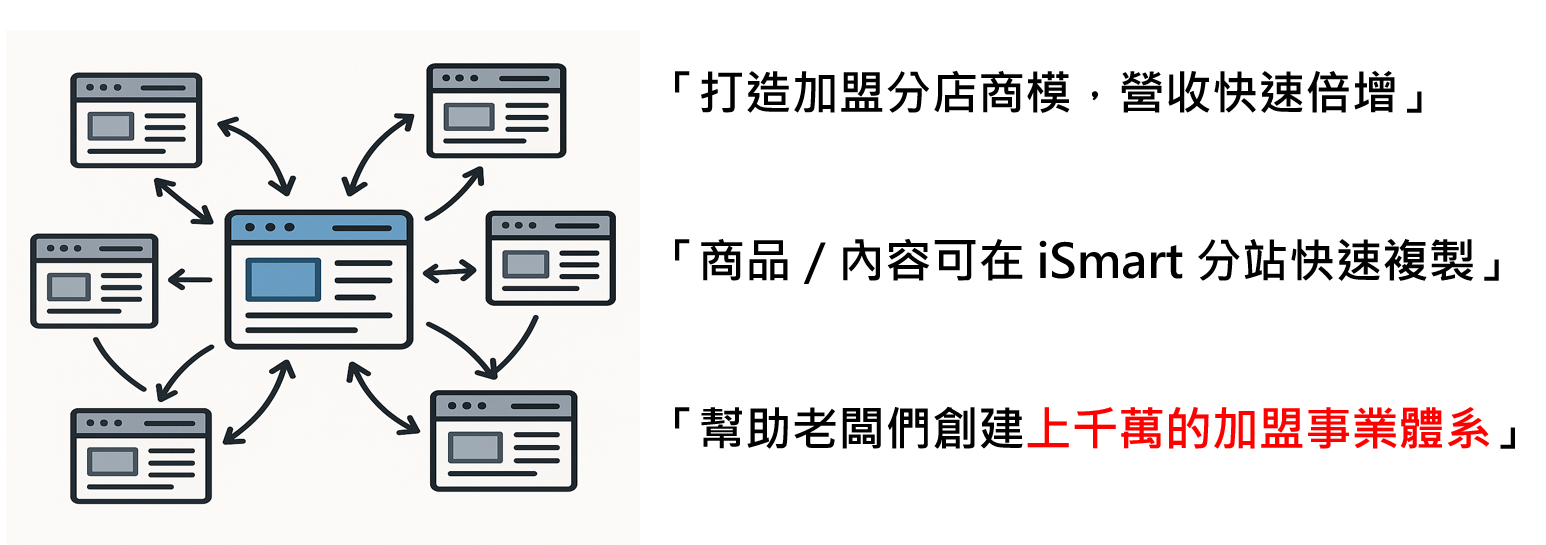
📌Through multi-platform content sharing and cross-exposure, an exclusive "content traffic matrix" (Content Traffic Matrix), greatly increasing the reach rate of each piece of content, allowing merchants to drive traffic to each other and grow with each other.
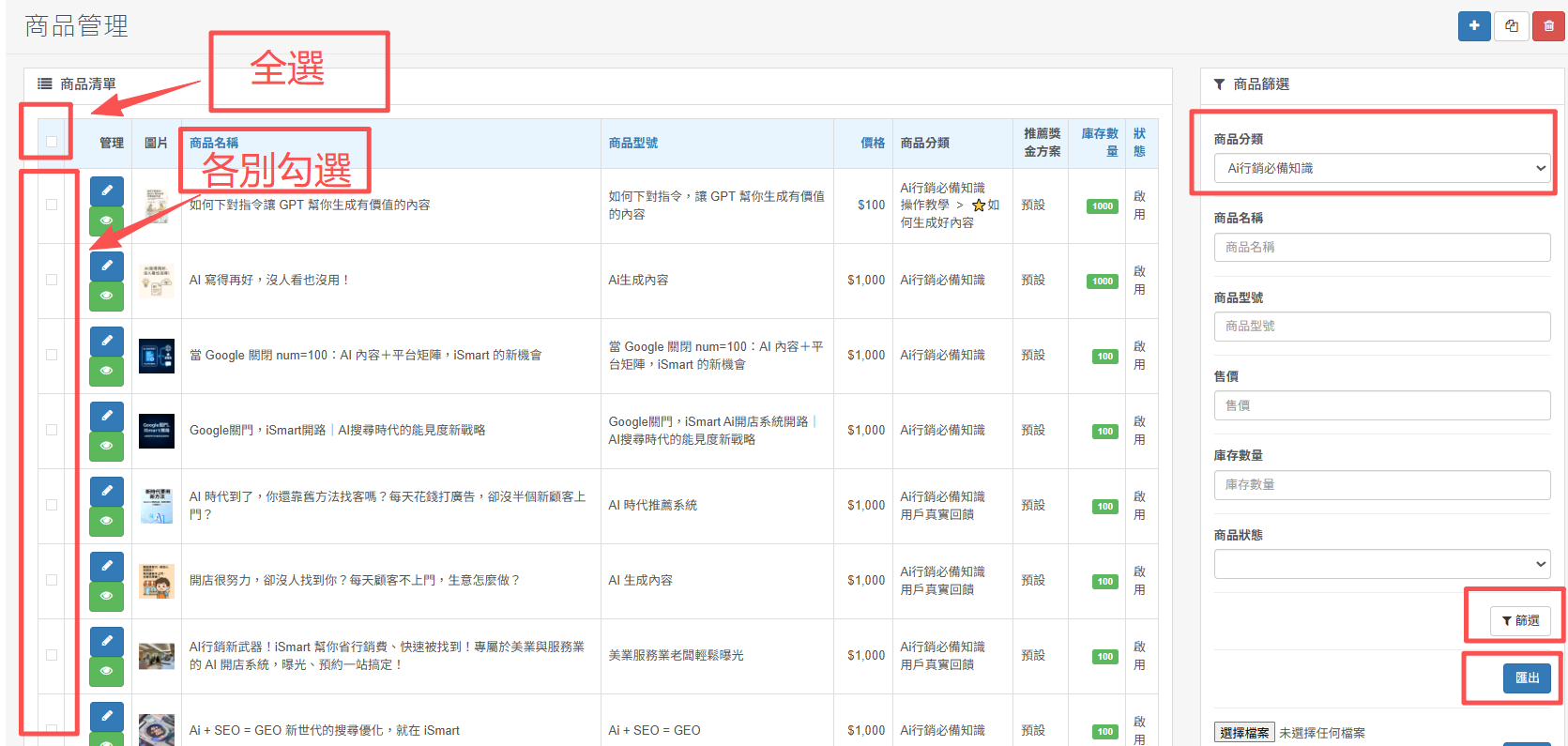
1. Export product/content data: The steps are as follows
2.Go to the "Product Category" section and select the product and content category you want to export.
3. After clicking "Filter", there is "Select All" or "Check Each" on the left.
4. Finally, click Export in the lower right corner to export the EXCEL file.

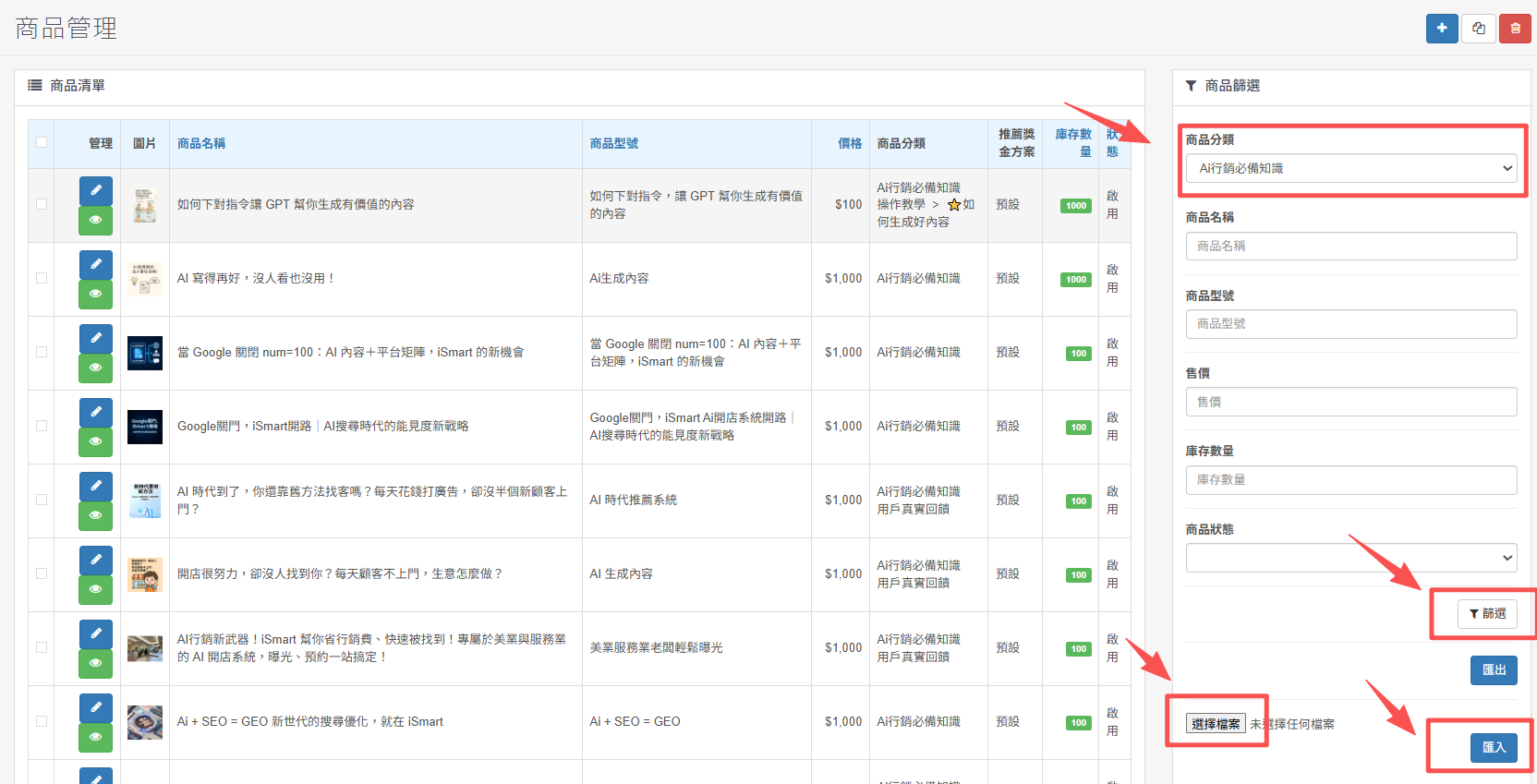
2. Import product/content data: The steps are as follows
2. Open the one you want to import the content iSmart System, enter the "Product Category" and click on the category you want to importThat’s it.
3.Be sure to click "Filter", then click "Select File" to select the file to upload, and finally click "Import" to complete the import.
There are no products to list in this category.
