
iProduct selection system-Annual fee plan
- Brand: ismartomo
- Product Code: i上架系統網站開店
- Availability: 10000
-
$24,000
⭕The i-shelf product selection system adopts an annual fee system.
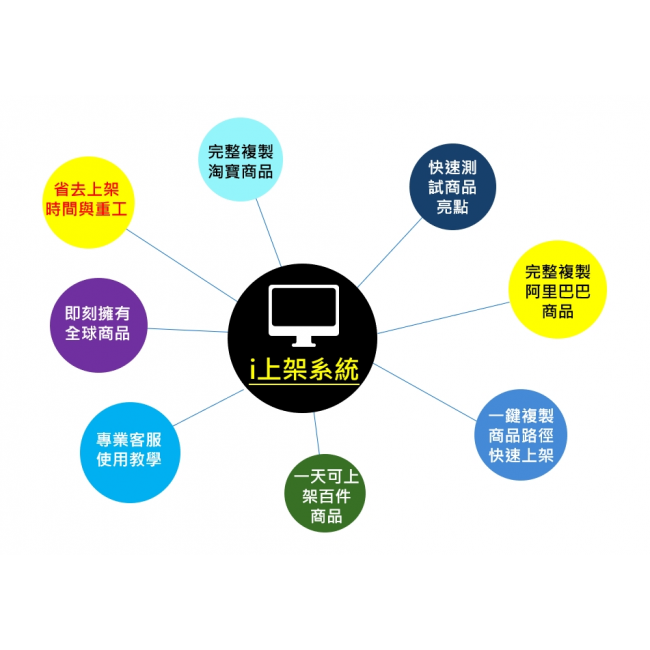
⭕Exclusive research and development【i product selection system】, obtain complete product information directly from Taobao and Alibaba platforms and put them on your e-commerce platform.Facing the source of global goods, you can sell whatever you want and get the goods directly from the factory source.Alibaba + Taobao is your warehouse。
⭕It only takes 1 minute! Let you understand how to do e-commerce ~ you don’t need to stock up on goods at the beginning!!
⭕Teaching video reference path

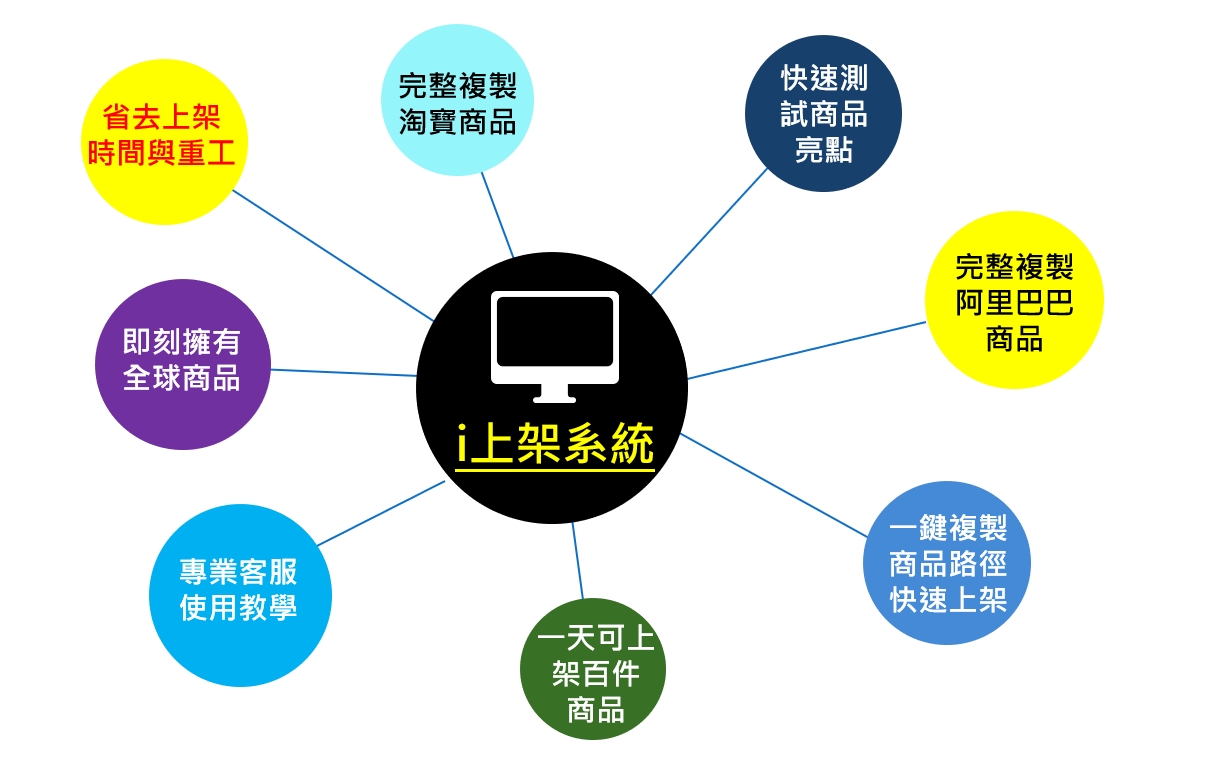
⭕Quickly and completely capture the graphic and text descriptions of designated products on Taobao and Alibaba, allowing you to easily put them on the shelves and enrich the product content on the website. Hundreds of products can be put on the shelves in one day.
⭕Application advantages:
>>1. Complete the shelves and market as quickly as possible, test and determine whether the product is suitable for the local market, and then decide whether to stock up to reduce losses.
>>2.The website can list many products, attract different customer groups, and increase website turnover.
>>3. Negotiate distribution prices with Alibaba manufacturers through the website to increase profit margins.
>>4. Instantly own global products.
⭕The i-shelf product selection system quickly obtains instructional instructions for product paths on Taobao and Alibaba.
>>1. Download the GOOGLE plug-in
ChormePlug-in download address: https://puhuo.shuaishou.com/sscj-plugin/ShuaiShou_Plugin.zip
>>2. Unzip the file and select the management extension function of GOOGLE browser

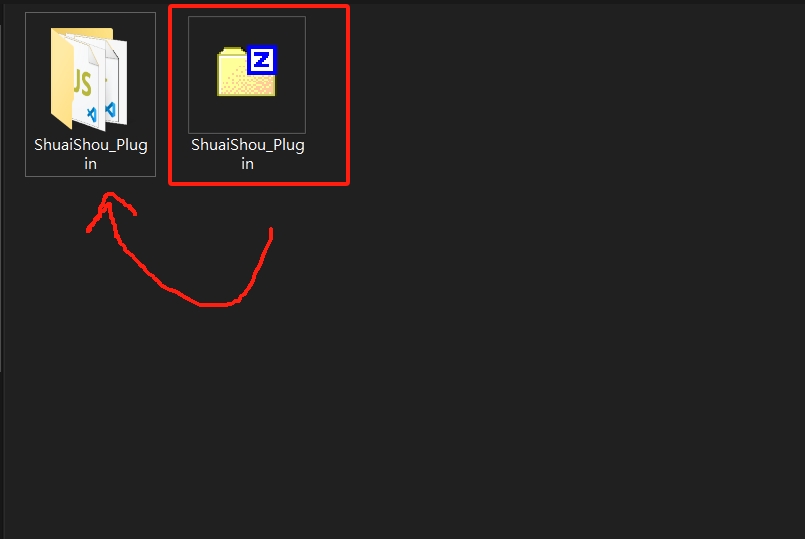
>>3. Select "Load Unpackaged Project" and select the plug-in file

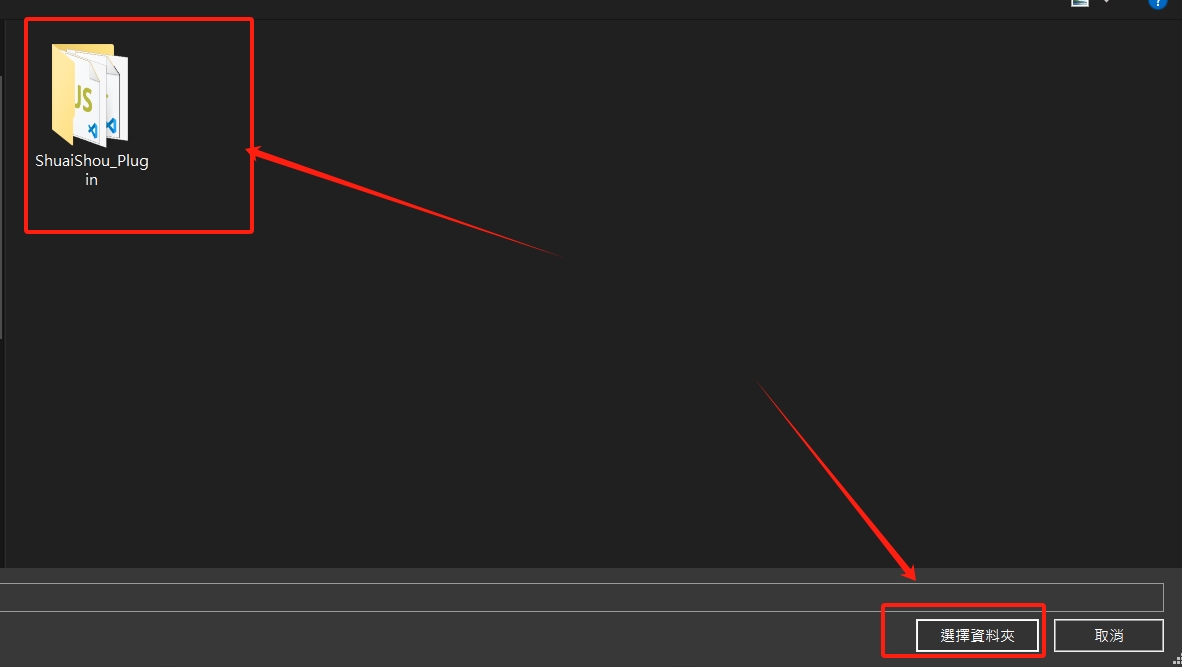
>>4. The style displayed after the plug-in extension function is installed

>>5. Restart the GOOGLE browser Chrome and enter Taobao or Alibaba. The following options will appear. Check Select All and export the link. The EXCEL file product path will appear, and then copy it to the i-shelf system.

⭕i-listing system usage instruction video
>>1.Usage teaching 1
>>2.Use teaching 2
>>3. Tutorial 3: Grab Alibaba product videos
⭕Graphic teaching:
>>1. Paste the path of the manufacturer's product you want to put on the shelf in the space. It supports mass listing. Press start to quickly put it on your website.

>>2.Select the products in batches, set the price formula and shipping fee, then modify the brand and category, and finally choose to upload the products. The product-related information will be put on the shelves at once, and about a hundred items can be put on the shelves in a day. It is simple and easy to understand, saves time and money, and solves the problem of wanting to do business but lacking good products.

Related Products

iSmart AiStore traffic pool system V2beta version Free trial7sky
"Software usage instruction"The free trial plan is-cyberspace1GB/year, traffic1GB/moonPlease refer to this link for system functions.iSmart Ai= Ai SEOAs the core architecture, develop a system that can be used freely(Platform type+SaaSsystem), used to create products or contentDedicated traffic pool..
$1
Tags: iProduct selection system-Annual fee plan, iOpen a store on the system website, *iProduct selection system
