
Online customer service 2 settings
Online customer service setting 2 instructions
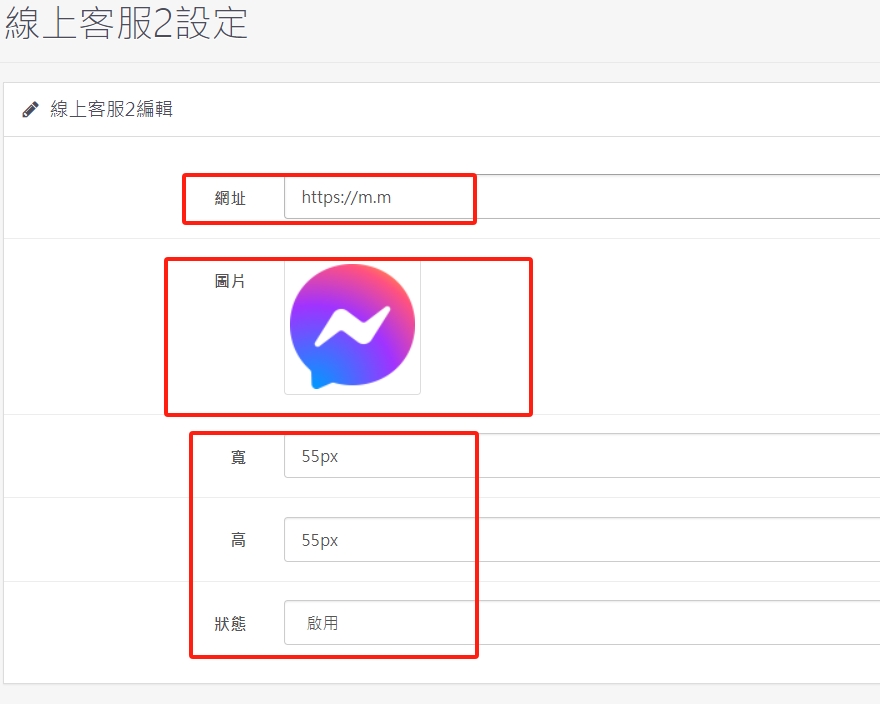
1. Paste the path provided by the online customer service system (LINE, FB, WHAT APP...etc.) in the red box. Upload the customer service icon you want to present at the front desk as shown below, adjust the size and set the status to enabled.
2. The customer service of two different platforms can be displayed at the same time, which facilitates the introduction of members with different habits through the drainage of different platforms, and can quickly increase the number of members.
There are no products to list in this category.
