
Website settings
Website setting instructions
1. Basic data setting instructions
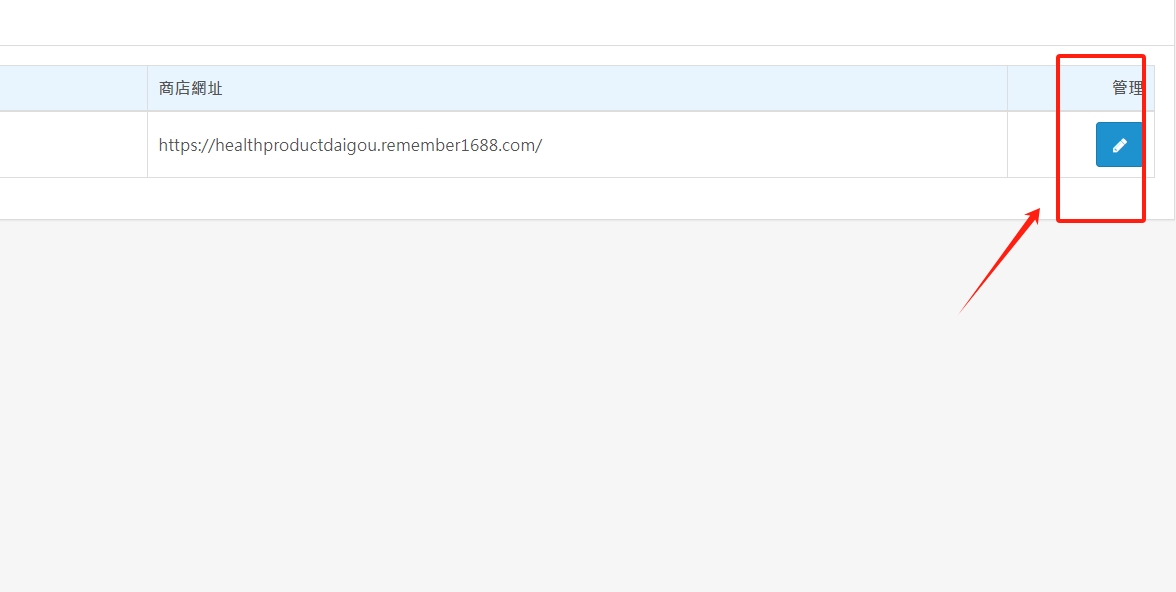
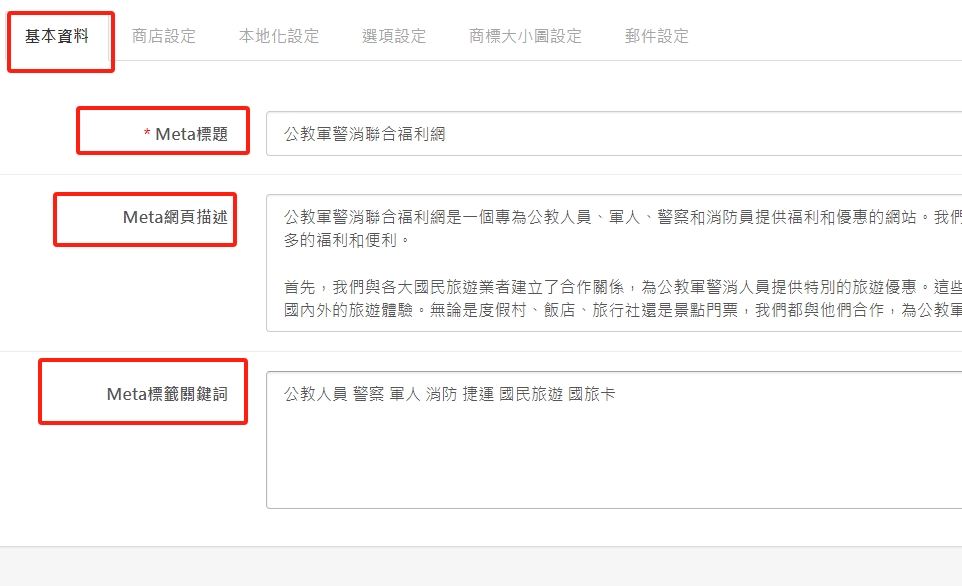
(1). Click the red box to start editing basic information, title (website name), description (business philosophy and features), keywords (industry-related keywords or descriptions), please enter and complete some parts to facilitate subsequent SEO searches.
18px;">2. Store setting instructions
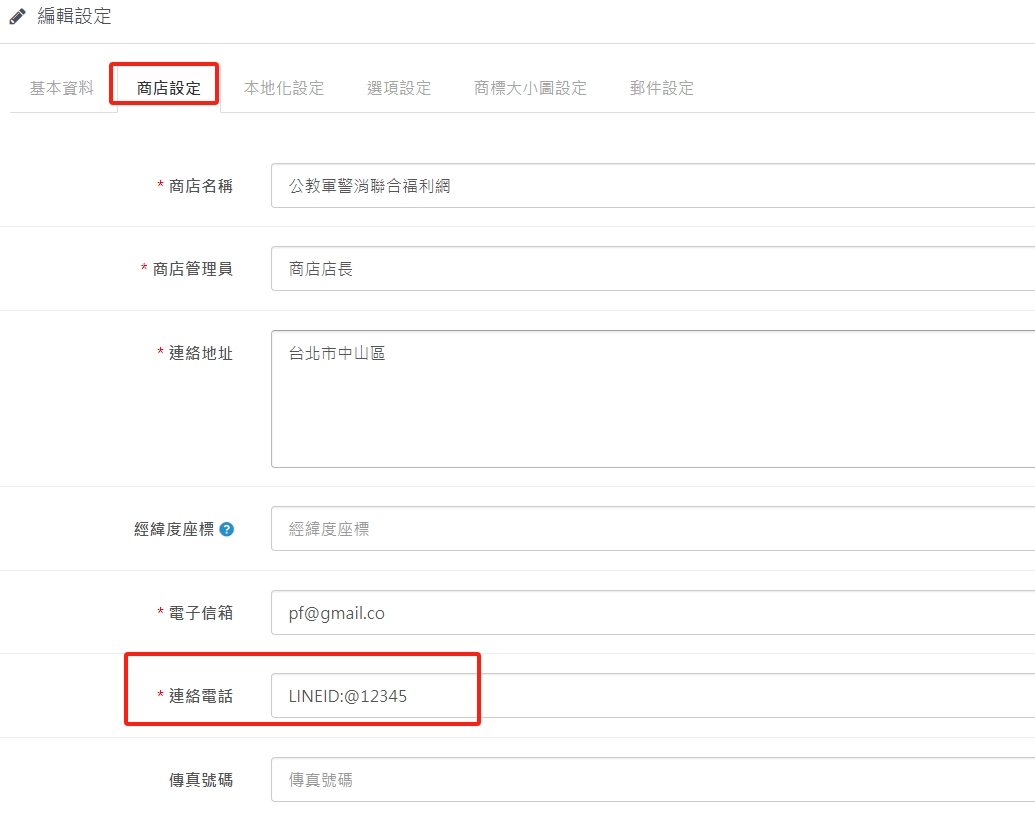
(1). The fields marked with * are required. Please fill them in completely. Some information does not need to be filled in.
3. Localization setting instructions
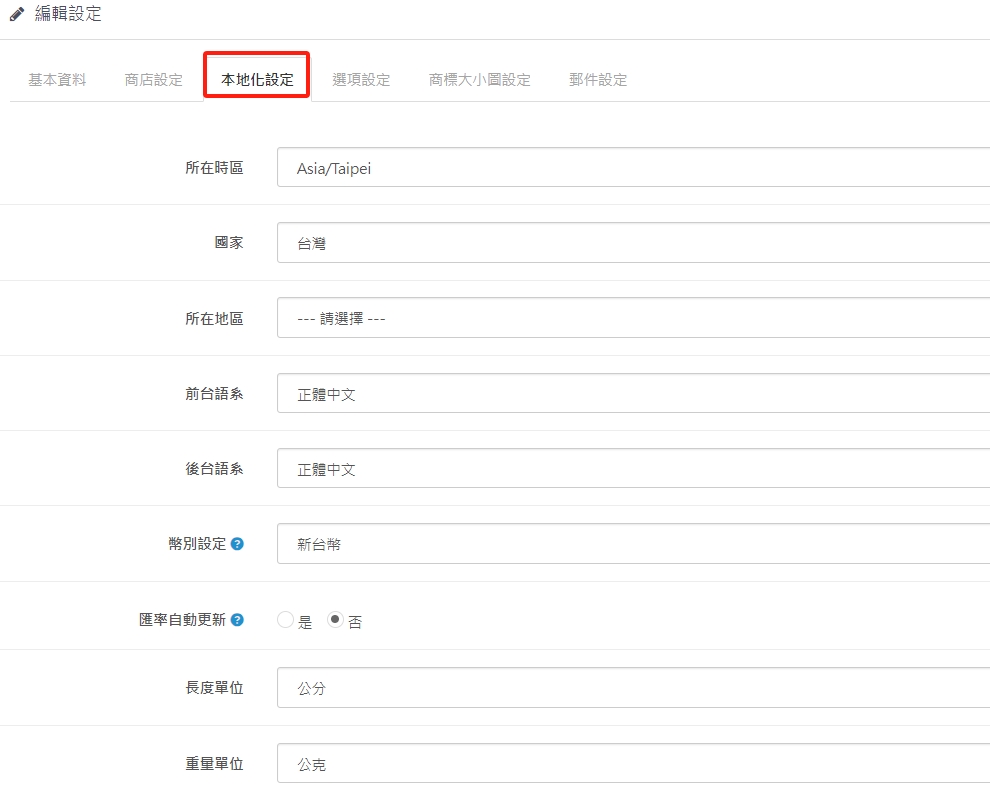
(1). The fields have been set by default unless otherwise adjusted for cross-border transactions.
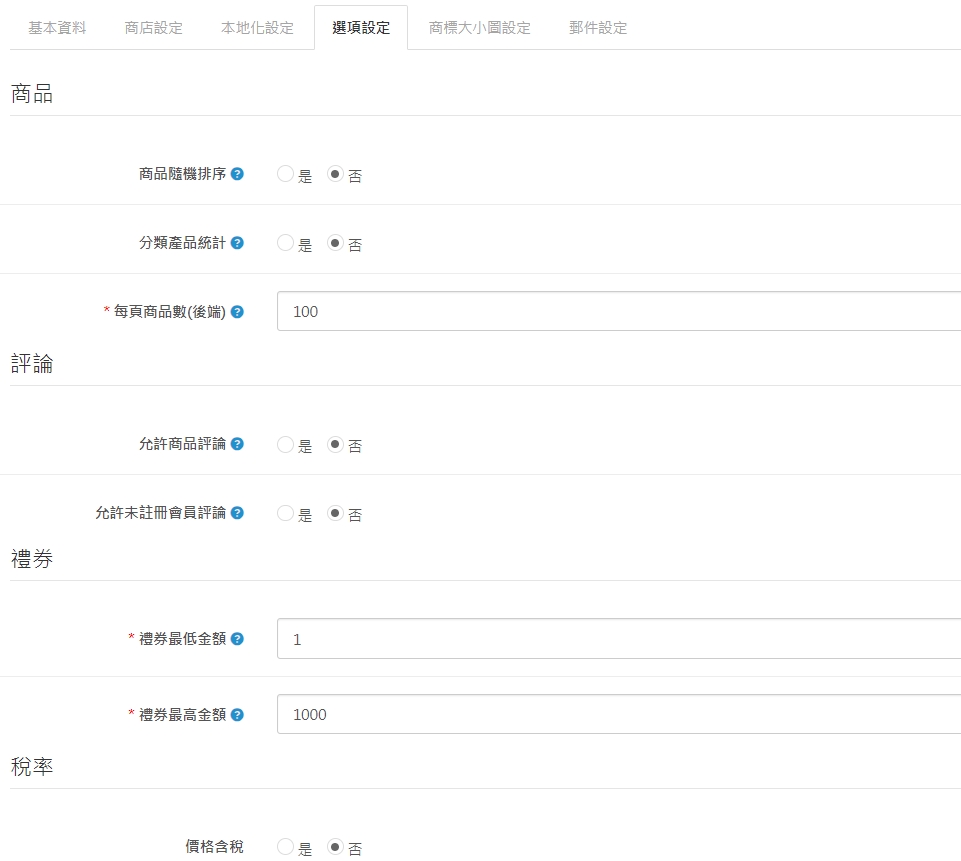
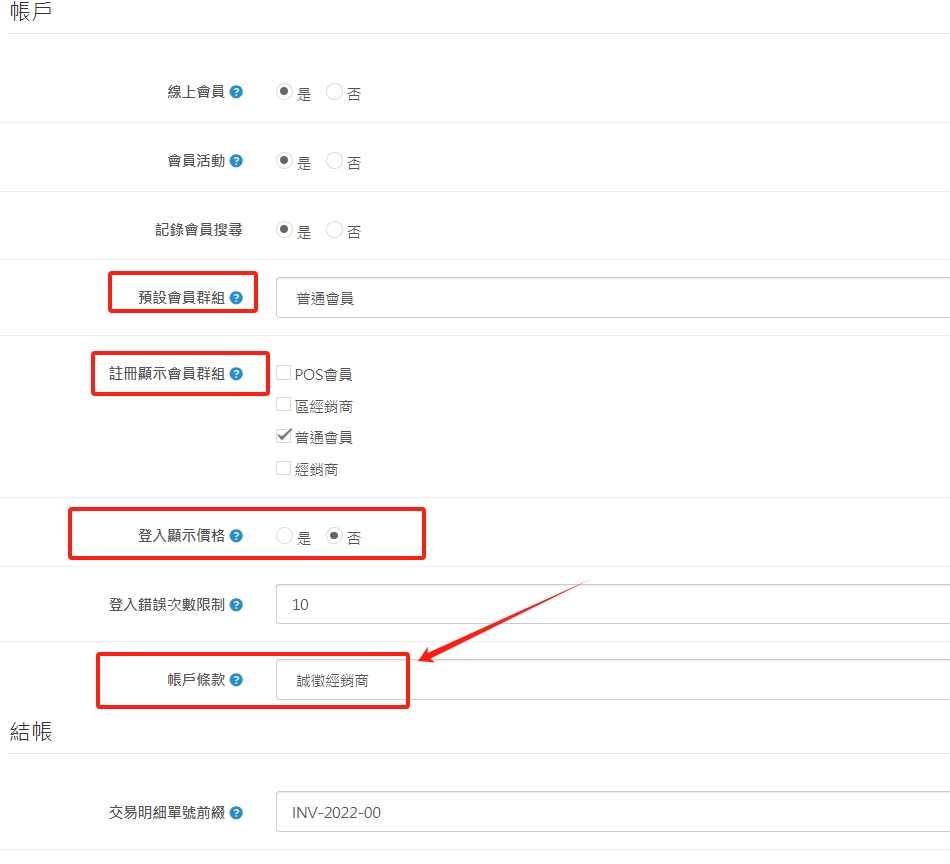
4. Option setting instructions
(1). The default value of the number of products per page (backend) is 100. The account terms refer to the membership terms when joining the membership. You can drop down to select options that require member consent. The other fields are all default values and can be adjusted according to the actual operating conditions.
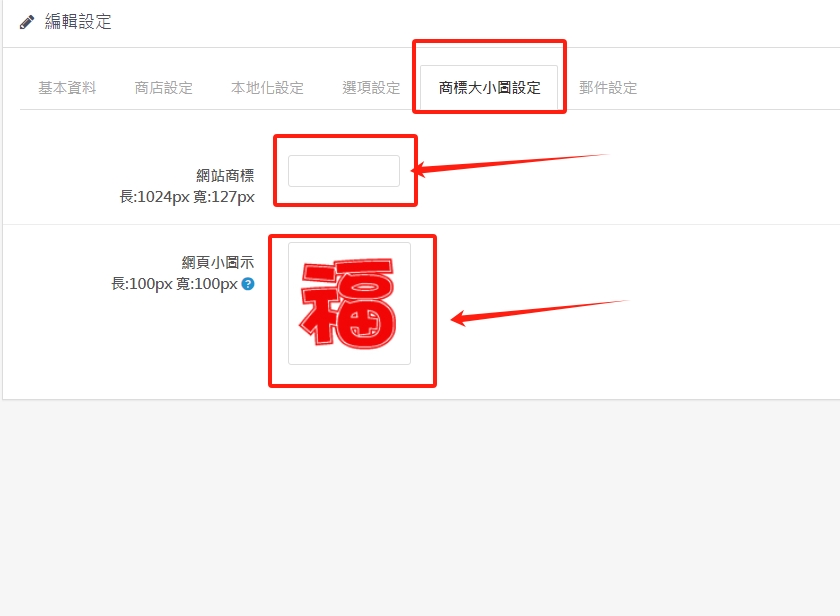
5. Instructions for setting the size of the trademark image
(1). Click on the red box to change the LOGO at the front of the website. The image size is PNG or JPG. Please refer to the PX size design.
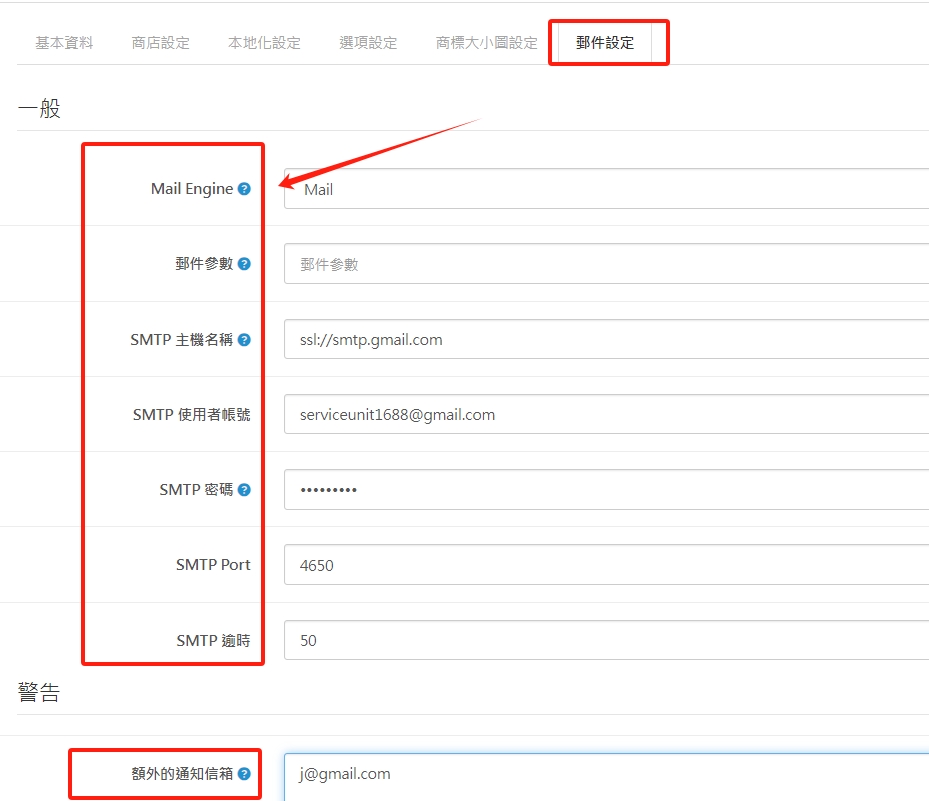
7. Email setting instructions
(1). The red box part can be pasted directly with reference to the information provided by GOOGLE. As long as there is an order, the system will automatically send a letter to remind the manager. There is another notification mailbox at the bottom to facilitate the management of multiple units.
There are no products to list in this category.
