
System settings
System configuration instructions
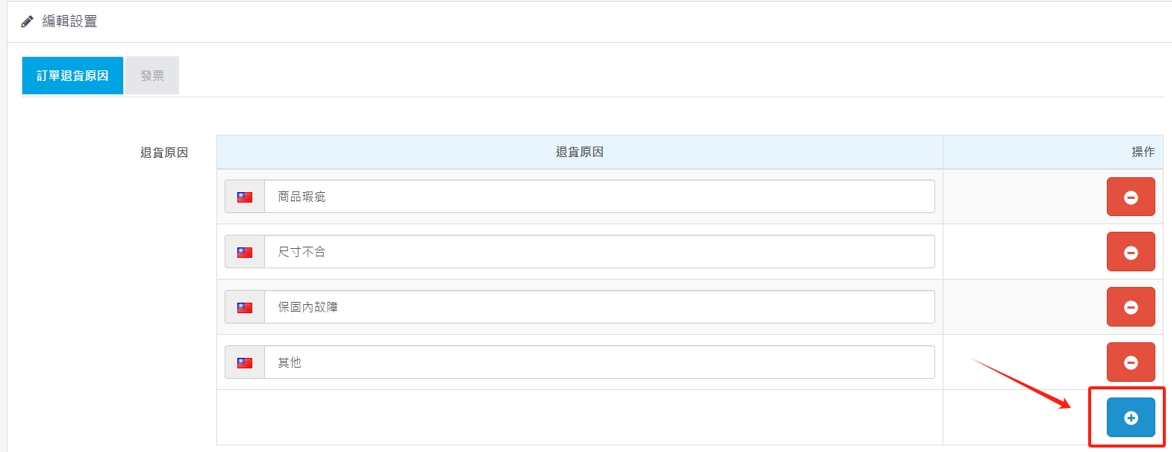
1. Customized product return items:
Click"+" to add a field to fill in the reason for return for conveniencePOSFor statistical query, click "-"Delete field
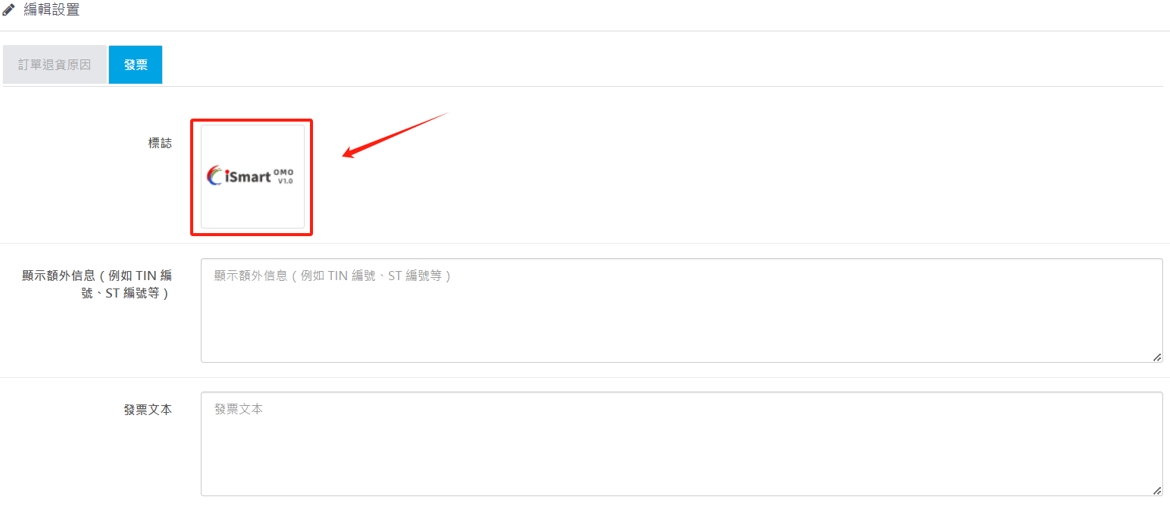
2. Receipt or invoice settings
1.Click the red box to replace the upper picture when the receipt or invoice is printed.
2.Show additional message and enter the relevant number.
\r\n\r\n\r\n\r\n\r\n\r\n\r\n\r\n
3.Invoice text, enter the text content of the invoice.
There are no products to list in this category.
