
User management
User management settings instructions
1. User management settings
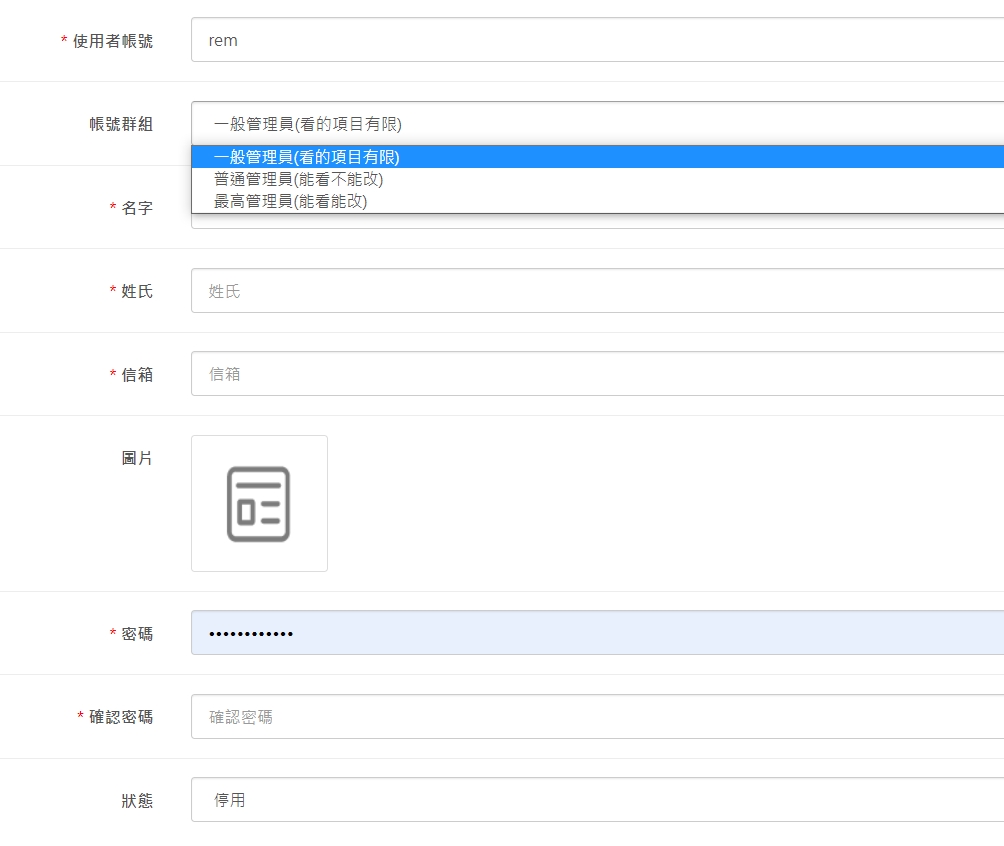
1. Clear presentation method, different permissions can be set for each platform administrator, which is separate from POS settings. If you want to set POS, please go to the front-end account management settings of POS.
2. User group settings
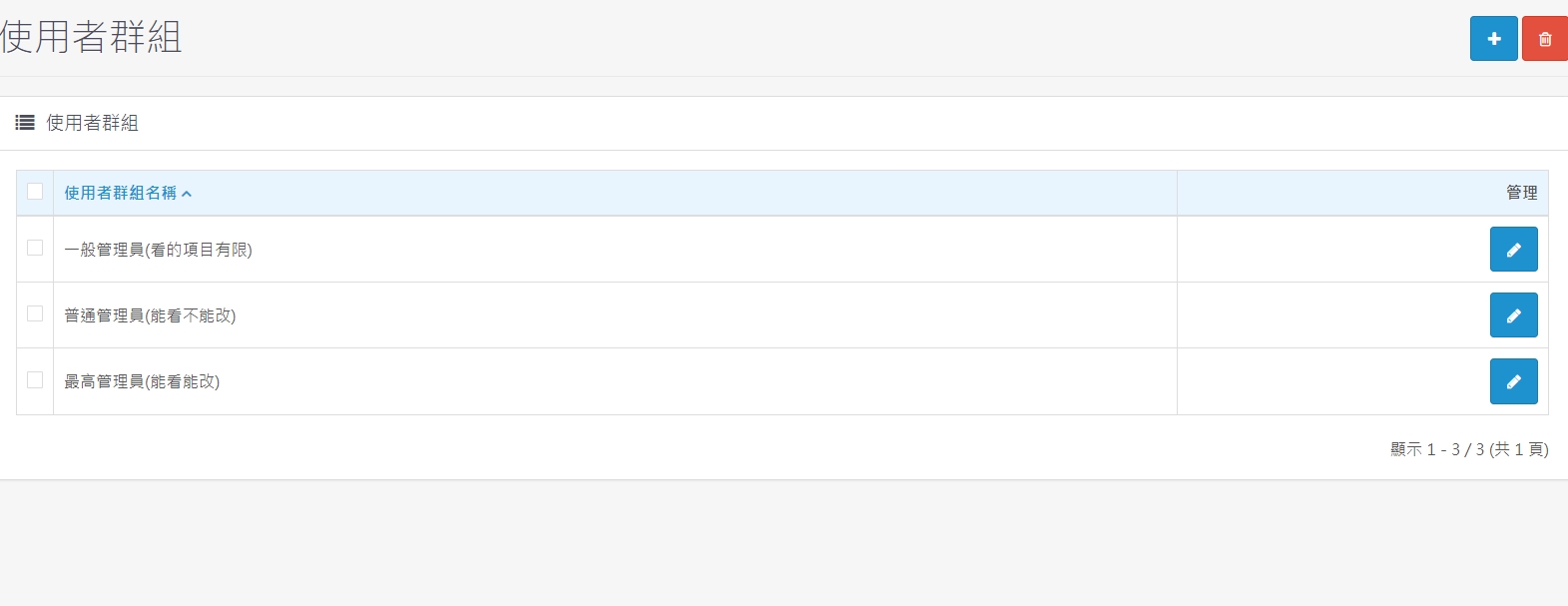
1. Management rights and responsibilities can be further subdivided and separately adjusted to group rights and responsibilities that are consistent with actual operations.
There are no products to list in this category.
